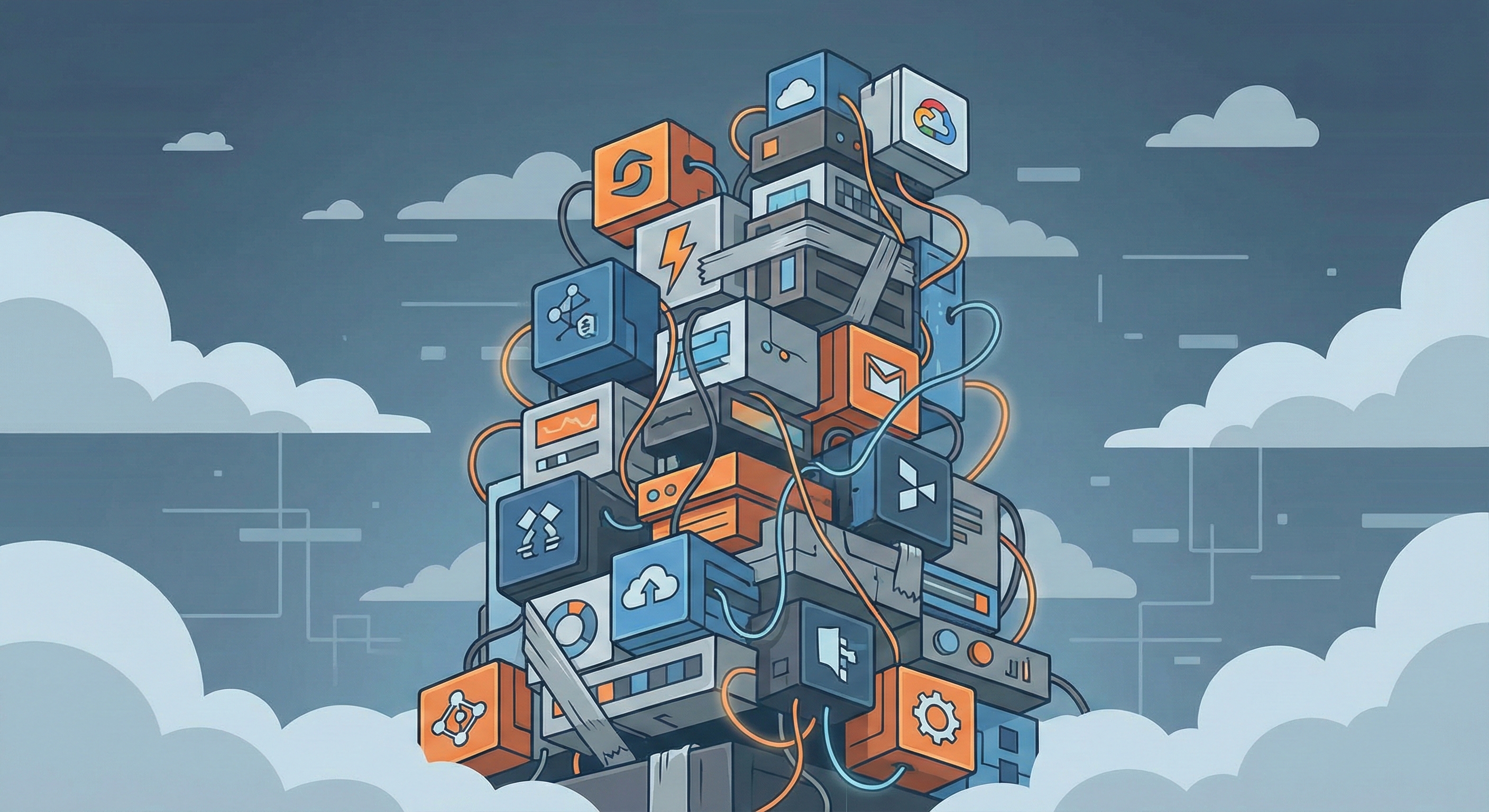
Your CFO just forwarded you the Q4 software spend report. Again. Eighteen SaaS subscriptions. Six "enterprise platforms." Three overlapping CRMs. Monthly recurring costs that would fund two senior engineers. And yet, your team still can't get a simple customer timeline without stitching together three different dashboards and exporting to Excel.
Marc Benioff says Salesforce has weathered downturns before. That's great for Salesforce shareholders. But if you're the one signing the renewal invoice while your sales team complains about lag, missing data, and "why can't we just build this ourselves?"-you're not thinking about Salesforce's resilience. You're thinking about your own.
This isn't about Salesforce specifically. It's about the moment every company hits when the SaaS promise-plug-and-play, instant ROI, enterprise-grade-collides with the reality: slow performance, integration hell, and a growing suspicion that you're paying for features you'll never use while the core functionality you need is buried under customization debt.
The SaaS Stack Audit Nobody Wants to Run (But Everyone Needs)
Here's the pattern: You start with a problem. Sales needs a CRM. Marketing needs automation. Support needs ticketing. You buy best-in-class tools. Everything is fine for six months. Then the cracks appear.
The CRM doesn't sync properly with your custom order system. Marketing automation sends duplicates because the webhook retry logic is naive. Support tickets lose context because the API rate limits during peak hours. Your engineers build workarounds. The workarounds become critical infrastructure. Nobody remembers why the original tool was supposed to solve this.
Three years later, you're running a Frankenstein stack:
- Core Platform: The "enterprise" SaaS that cost six figures to implement and now requires a dedicated admin.
- Integration Layer: Zapier, Make, or a custom Node.js service that someone built during a hackathon and nobody dares touch.
- Shadow Tools: Department-specific SaaS apps that Finance doesn't know about because they're on individual credit cards.
- Legacy Dependencies: The old system you were supposed to sunset two years ago but can't because it holds data the new platform can't import cleanly.
The actual architecture looks like this:
┌─────────────────────────────────────────────────┐
│ User-Facing App (React/Angular) │
│ ├─ Feature A → SaaS Platform API (Rate Limited)│
│ ├─ Feature B → Custom Middleware (Unmaintained)│
│ └─ Feature C → Legacy System (SOAP, 2015) │
└─────────────────────────────────────────────────┘
 ↓ ↓ ↓
 Third-Party Homegrown Ancient
 Platform Glue Code Database
 (Black Box) (Bus Factor = 1) (No Docs)
The real cost isn't the subscription fees. It's the cognitive overhead.
Every new feature requires a decision tree: Can the platform do this? Do we need a plugin? Should we build around it? Can we even get the data out? You're not building product. You're negotiating with your own infrastructure.
When "Best-in-Class" Means "Best at Vendor Lock-in"
Enterprise SaaS platforms love to talk about extensibility. APIs. Webhooks. Marketplace apps. What they don't advertise is the friction coefficient of actually using those extension points.
Here's what happens in practice:
API Rate Limits That Don't Match Your Scale: You're allowed 1,000 API calls per hour. Sounds generous. Until you realize your sync job needs 3,000 calls just to update customer records after a bulk import. Now you're throttling, queuing, and building retry logic. The platform didn't fail. It just made your problem harder.
Data Models That Don't Fit Your Domain: The platform has "Accounts" and "Contacts." Your business has "Organizations," "Sites," and "Users" with a many-to-many relationship that changes based on contract type. You can force-fit it. You can rename fields. But the underlying data model is rigid. Every workaround compounds.
Plugin Ecosystems That Solve Everyone's Problem Badly: You need custom reporting. The marketplace has forty reporting plugins. None of them do exactly what you need. You pick the closest one. It works. Until it doesn't. The vendor stops maintaining it. Or it conflicts with another plugin. Or it breaks during a platform upgrade. Now you're stuck: live with the bug, hire a consultant, or rip it out and rebuild.
Export Limits That Make Migration Expensive: You finally decide to leave. The platform lets you export data. But not in a usable format. Or not all of it. Or only through a paid API tier. Or with rate limits that make a full export take three weeks. The exit cost is high enough that you delay. Again.
This isn't conspiracy. It's incentive alignment. Platforms optimize for lock-in because locked-in customers renew. The friction is a feature, not a bug.
The Stabilise-First Audit Framework
When we assess a software stack, we're not looking for what's "bad." We're looking for what's costing you velocity.
Here's the diagnostic framework:
1. Access & Dependency Mapping
Can you answer these questions in under 60 seconds?
- Where is your production database?
- Who has admin access to your critical SaaS platforms?
- What happens if your primary integration service goes down?
- Can you deploy without third-party approval?
If the answer is "I need to check with someone," you have a dependency problem. And dependency problems become availability problems under load.
2. Performance Baseline
We don't measure "fast" vs. "slow." We measure user-facing latency vs. acceptable tolerance.
// Example: Measuring Real User Perception
const performanceMetrics = {
 timeToInteractive: 3200, // ms until user can interact
 apiResponseP95: 850, // 95th percentile API response
 errorRate: 0.03, // 3% of requests fail
 userComplaintRate: 0.12 // 12% of support tickets mention speed
};

// The question isn't "Is 3.2s TTI good?"
// The question is "Are users leaving before they can interact?"
If your analytics show drop-off during loading states, performance isn't a "nice to have." It's a revenue leak.
3. Code Ownership vs. Platform Configuration
Here's the critical distinction:
- Code You Own: You can read it, modify it, test it, and deploy it. You control the timeline.
- Platform Configuration: You're editing YAML, clicking checkboxes, or writing low-code scripts in a proprietary environment. You're subject to platform versioning, deprecation schedules, and support ticket response times.
The more critical your business logic lives in platform configuration, the less control you have. This isn't about avoiding platforms. It's about knowing where your leverage points are.
4. Integration Brittleness
Count the number of moving parts in a single user action:
User submits form
 ↓
Frontend validates (Client-side JS)
 ↓
API Gateway (Third-party SaaS)
 ↓
Webhook to Middleware (Your glue code)
 ↓
Database Update (Platform-managed)
 ↓
Email Notification (Another SaaS)
 ↓
CRM Sync (Yet another API)
Each step is a failure point. If any service is down, slow, or rate-limited, the entire flow breaks. The more services involved, the harder it is to maintain end-to-end reliability.
We've seen systems where a single user action required seven API calls across four vendors. That's not "microservices architecture." That's distributed failure waiting to happen.
The ROI Calculation Nobody Shows You
SaaS vendors show you cost-per-user. Monthly fees. "Value realization" charts. What they don't show you is opportunity cost of workarounds.
Here's a real calculation:
Scenario: You're using an enterprise CRM. It can't natively handle your billing workflow. So you build a custom sync service.
Initial Development: 40 hours × $150/hr = $6,000
Monthly Maintenance: 8 hours × $150/hr = $1,200
Annual Maintenance: = $14,400
Platform Subscription: = $36,000/year
Custom Sync Hosting: = $1,200/year

Total Annual Cost: = $51,600
Now compare to building a lightweight custom solution:
Initial Development: 200 hours × $150/hr = $30,000
Monthly Maintenance: 4 hours × $150/hr = $600
Annual Maintenance: = $7,200
Hosting (Cloud-native): = $2,400/year

Total Annual Cost (Year 1): = $39,600
Total Annual Cost (Year 2+): = $9,600
By Year 2, the custom build is $42,000 cheaper. And you own it. No vendor negotiations. No license compliance audits. No surprise price increases.
The ROI isn't just financial. It's decision speed. When your engineers can ship fixes without waiting for vendor support tickets, you move faster. When your data model matches your domain, you build features faster. When you control deployment, you scale on your timeline.
What the SaaSpocalypse Actually Reveals
The downturn isn't exposing weak companies. It's exposing weak architectures.
Companies with clean, owned infrastructure are adapting. They're cutting costs by optimizing database queries, not renegotiating SaaS contracts. They're shipping faster because they control their stack. They're pivoting product strategies without waiting for platform roadmaps.
Companies with sprawling SaaS dependencies are stuck. They can't cut costs without losing functionality. They can't ship faster because every change requires integration testing across six vendors. They can't pivot because their data is locked in proprietary formats.
The survivors aren't the ones with the biggest budgets. They're the ones with the cleanest architecture.
How to Audit Your Stack (Without Burning Two Months)
If you're reading this and thinking "we need to fix this," here's the pragmatic approach:
Week 1: Visibility
Map your dependencies. Not theoretically. Actually trace a critical user flow from frontend to database and back. Count every API call. Measure every latency point. Document every "if this fails, we do this" workaround.
Week 2: Quick Wins
Find the low-hanging fruit. The integration that fails twice a week and nobody notices until Monday morning. The report that takes 40 seconds to load because it's doing 200 sequential API calls instead of one batch request. The cron job that's been running every 5 minutes for three years when it only needs to run hourly.
Fix those. Not perfectly. Just good enough to reduce friction.
Week 3: Strategic Decisions
Now you have data. You know what's actually broken. You know what's just annoying. You can make the hard calls:
- Which platforms are giving us leverage vs. creating dependency?
- Which integrations are brittle enough that we should replace them?
- Which features could we build ourselves in less time than we spend managing the SaaS equivalent?
This isn't about replacing everything. It's about knowing where you have control and where you're dependent.
The Shift From "Buying Solutions" to "Building Certainty"
The SaaS promise was simple: Don't build it. Buy it. Get back to your core business.
For commodity problems-email, calendaring, file storage-that still holds. But for anything that differentiates your business, the equation flips.
You can't buy certainty. You can only build it.
Certainty looks like:
- Knowing your release timeline isn't subject to vendor approval.
- Knowing your data model can evolve with your business.
- Knowing your performance isn't capped by someone else's API rate limits.
- Knowing you can debug production issues without filing a support ticket.
That doesn't mean building everything in-house. It means architecting for control where it matters.
Use platforms for commodity problems. Build custom for differentiation. And always, always maintain the ability to export, migrate, or replace any component that becomes a bottleneck.
Where We Go From Here
The SaaSpocalypse isn't a crisis. It's a forcing function.
Companies that survive will audit their stacks, cut the bloat, and rebuild around what actually delivers value. They'll stop accepting "it's just how the platform works" as an answer. They'll stop paying for features they don't use. They'll stop building workarounds for problems that shouldn't exist.
And they'll realize that the path to stability isn't adding more tools. It's fixing the base. Stabilizing what works. Removing what doesn't. And only then-only when the foundation is solid-adding the next layer.
If your software stack feels like it's holding you back instead of moving you forward, you're not imagining it. The friction is real. The costs are compounding. And the longer you wait to audit, the harder the fix becomes.
The question isn't whether to fix it. It's whether you'll fix it now, while you still control the timeline-or later, when the platform makes the decision for you.
Book a Free Rescue Call